
How to Buy from MXTera
✅ Step 1 – Create your account
Click the “Login/Register” button at the top of the site and create your account for free using your email and password.
💬 Step 2 – Chat with the seller
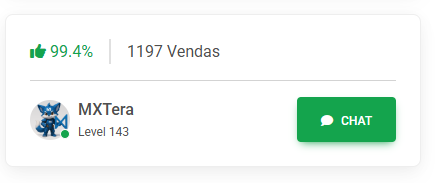
After choosing a product, you can open the chat to ask the seller questions before buying. Use the “Chat” button located on the seller’s profile.
💳 Step 3 – Pay securely
Click “Buy Now”, choose how you want to receive the product, fill in the required details, and follow the payment steps within the platform. We accept Pix, Cryptocurrency, PayPal, and more.
⏳ Step 4 – Wait for delivery
The seller will be notified and begin delivery once the payment is confirmed.
You can track your order status by going to your profile > Purchased Products.
✅ Step 5 – Confirm receipt
When the product is delivered, click “Received”. This securely releases the payment to the seller.
⭐ Step 6 – Rate the seller
After delivery, leave a rating. This helps the community and increases safety for everyone.
🔒 Safety Tips
-
Always chat with the seller through the site.
-
Do not complete transactions outside the platform.
-
Check the seller’s reputation before buying.
-
If in doubt, contact support.